Finding a Forest Biome in Minecraft is usually easier than finding rare biomes—but that doesn’t mean it always happens quickly. Sometimes you spawn in deserts, oceans, or snowy areas and wander for hours without seeing a single oak tree.
The Forest biome is one of the Best Biomes for Survival, especially early game. It provides wood, food, animals, and a safe environment to start your world. That’s why many players actively search for it instead of waiting to stumble upon it.
In this guide, we’ll cover all reliable ways to find a Forest biome, from simple exploration tips to commands and seed-based methods—so you can choose what fits your playstyle.
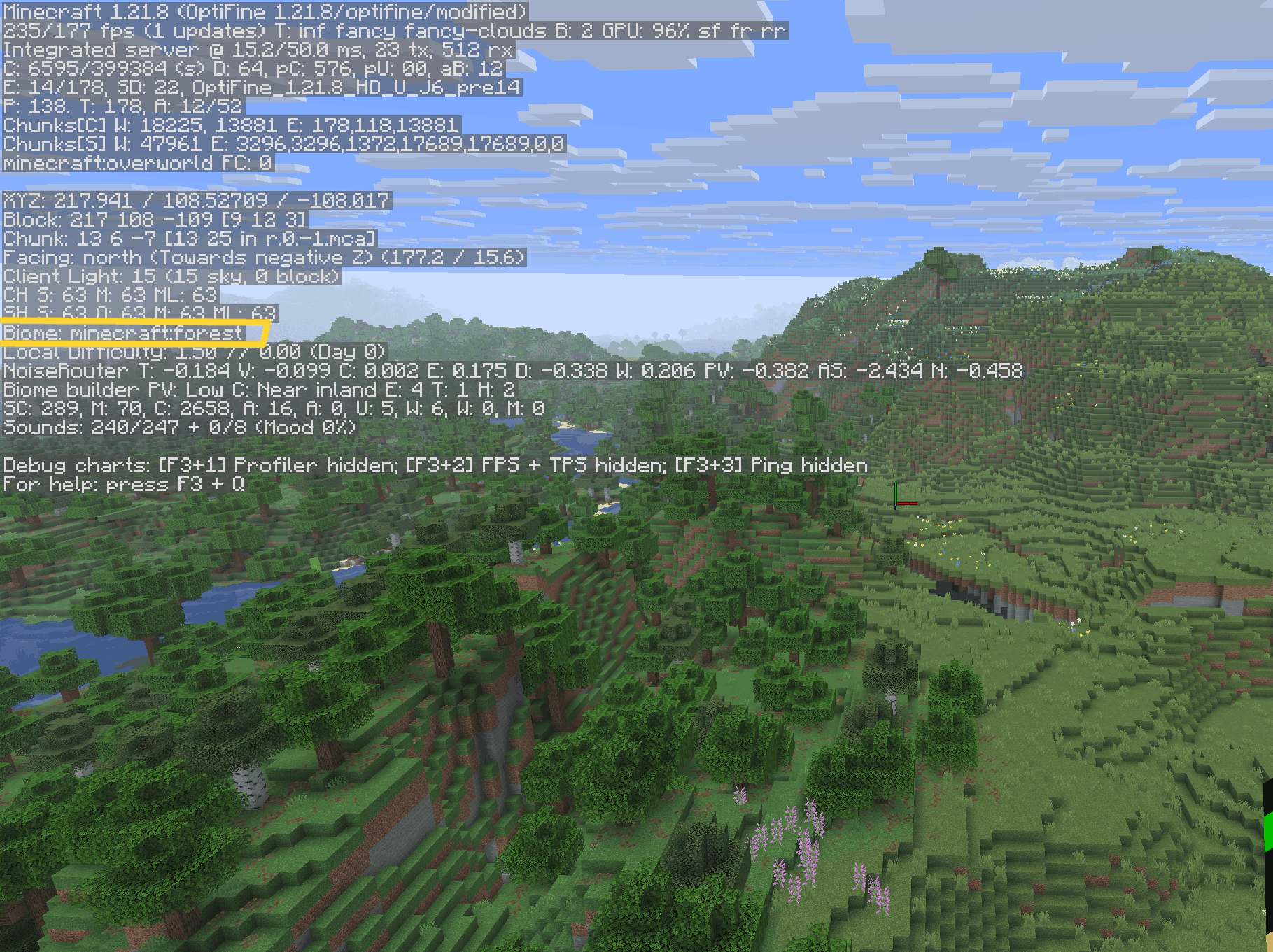
What Does a Forest Biome Look Like?
Before searching, it helps to know exactly what you’re looking for.
A Forest biome usually has:
-
Oak and birch trees
-
Green grass and flowers
-
Passive Mobs like cows, sheep, pigs, and chickens
-
Rolling terrain with small hills
-
No extreme temperature (no snow, no sand)
Forest variants include:
-
Forest
-
Birch Forest
-
Flower Forest
-
Dark Forest
All of these count as Forest biomes and are useful for survival.
Why You Should Find a Forest Biome Early
Many players prefer forests because they offer:
-
Immediate access to wood
-
Easy food from animals
-
Apples from oak trees
-
Wolves (can be tamed)
-
Good balance of safety and Resources
If you’re starting a survival world, forests are one of the most forgiving spawn locations.
Method 1: Explore Smart (Best for Survival Players)
If you’re playing without cheats or commands, exploration is the most natural method.
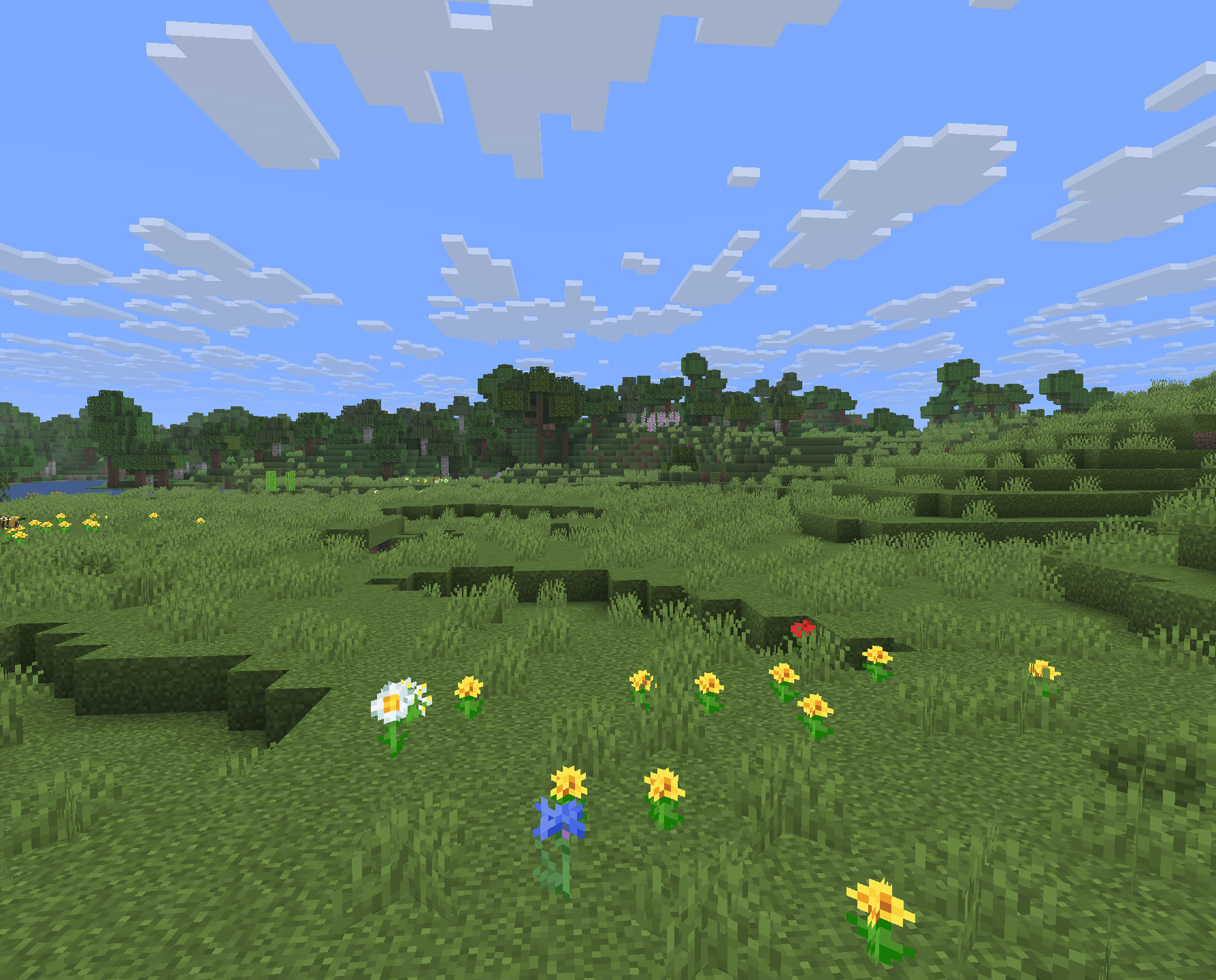
How to Explore Efficiently
-
Climb hills or trees to increase view distance
-
Travel during daytime to avoid mobs
-
Move in one direction instead of wandering randomly
-
Follow rivers—they often lead to forests or plains
Forests frequently generate next to plains and rivers, so if you find either, keep moving along their edges.
Pro Tip
If you see:
-
Green grass
-
Tall grass patches
-
Groups of animals
You’re likely very close to a Forest biome.
Method 2: Use Rivers to Find Forests Faster
Rivers are one of the best biome-finding tools in Minecraft.
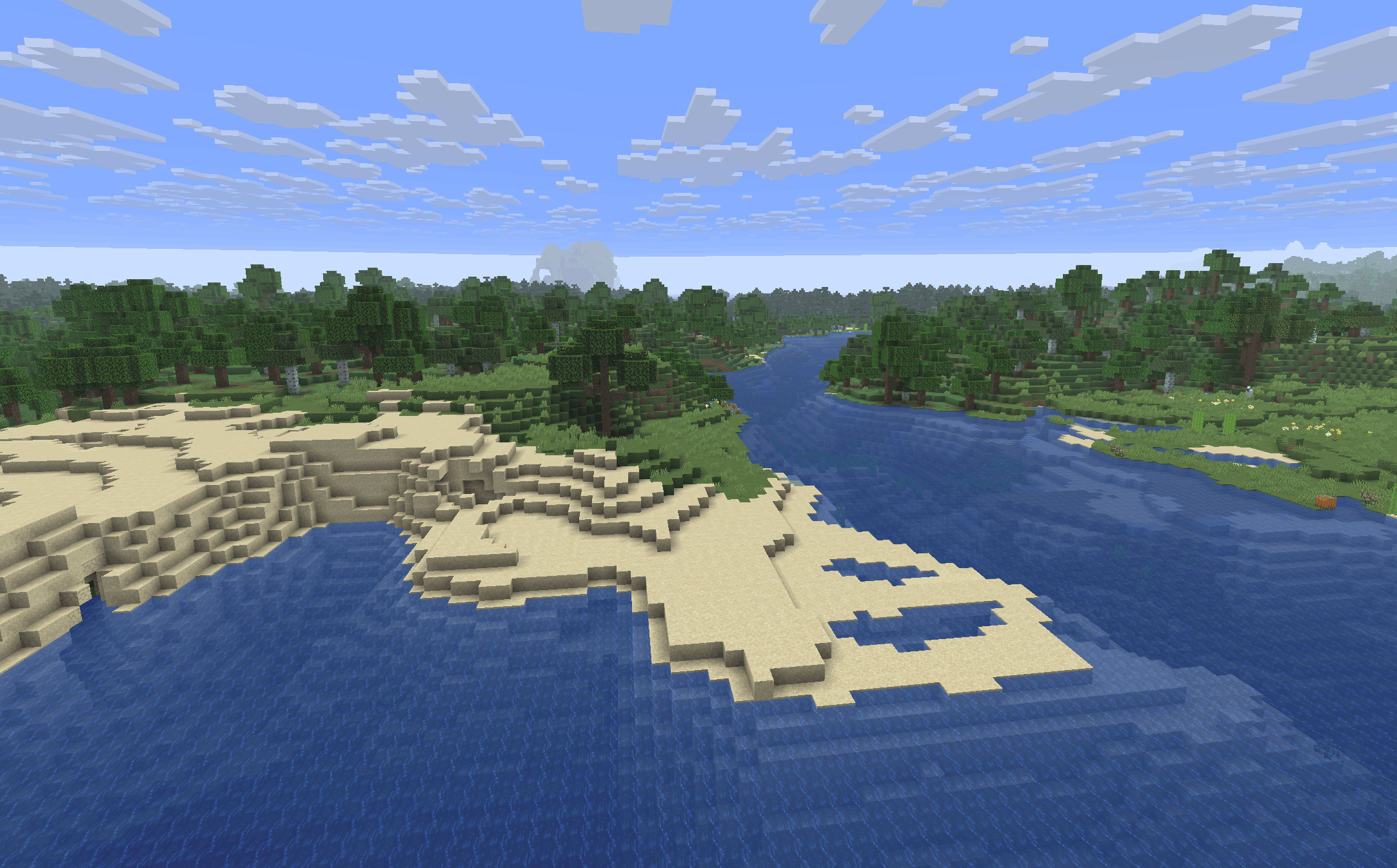
Why rivers help:
-
They cut through multiple biomes
-
Forests commonly spawn alongside rivers
-
Easy to travel using boats
If you spawn near water, craft a boat and follow the river upstream or downstream. This method often leads to:
-
Forests
-
Plains
-
Villages
Much faster than walking blindly.
Method 3: Use the Biome Finder Command (Java & Bedrock)
If you’re okay using commands, this is the fastest and most accurate method.
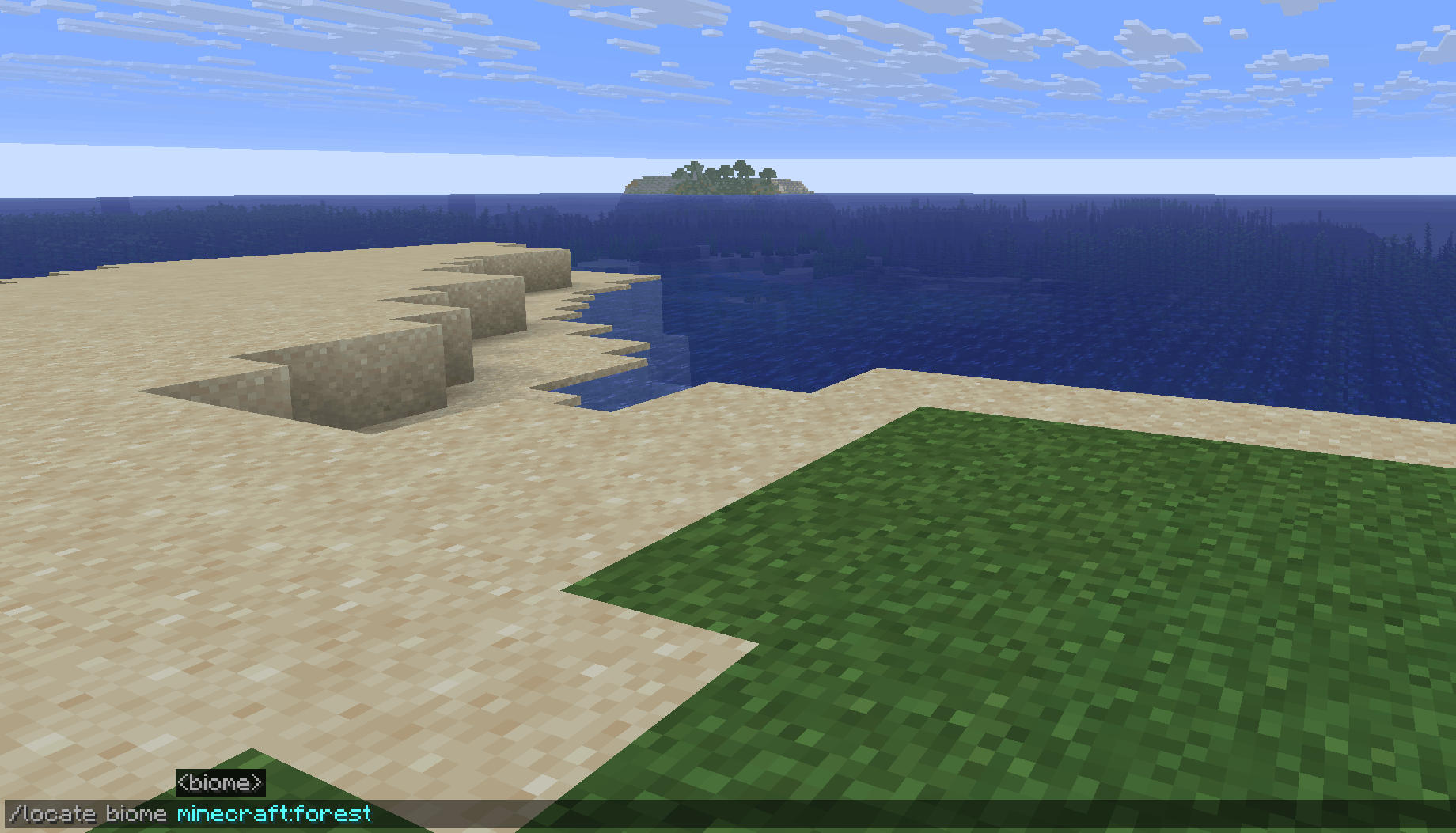
Java Edition Command
This will give you coordinates of the nearest Forest biome.
You can also try:
Bedrock Edition
Bedrock doesn’t support /locate biome directly in the same way, but you can:
-
Enable cheats
-
Use chunkbase (explained below)
-
Or teleport using known coordinates
Commands are ideal for:
-
Creative mode
-
Testing worlds
-
Content creation
Method 4: Use Chunkbase (Best External Tool)
If you don’t want to explore blindly, Chunkbase is one of the most trusted tools.
How to Use Chunkbase
-
Copy your world seed
-
Open Chunkbase Biome Finder
-
Select your Minecraft version
-
Enter the seed
-
Enable “Forest” biome filter
You’ll see an exact map of all Forest biomes in your world.
This method:
-
Saves hours of exploration
-
Works for Java & Bedrock
-
Is great for survival planning
Perfect if you want to build your base in a specific location.
Method 5: Choose a Forest-Friendly Seed
If you haven’t started your world yet, this is the easiest option.
Many seeds spawn you:
-
Directly inside a Forest biome
-
Between Forest and Plains
-
Near Flower Forests
Using a forest spawn seed gives you:
-
Instant wood
-
Easy food
-
Safer early survival
This is ideal for beginners or Hardcore players.
Method 6: Follow the Sun & Climate Clues
Minecraft biomes follow temperature patterns.
Forests Usually Appear:
-
Between snowy and hot biomes
-
Near plains and rivers
-
Away from extreme deserts
If you’re in:
-
A desert → move toward greener areas
-
A snowy biome → move toward warmer zones
Biome transitions often lead to forests.
How Long Does It Take to Find a Forest Biome?
It depends on:
-
World seed
-
Exploration method
-
Movement speed
Approximate times:
-
Random walking: 30–60 minutes
-
Following rivers: 10–20 minutes
-
Chunkbase or commands: instant
If you’re more than 1 hour in and still searching, using tools is reasonable.
Common Mistakes Players Make
❌ Wandering randomly
❌ Exploring only at night
❌ Ignoring rivers
❌ Giving up too early
❌ Not using available tools
Minecraft is about exploration—but smart exploration saves time.
What to Do Once You Find a Forest Biome
When you finally reach a forest:
-
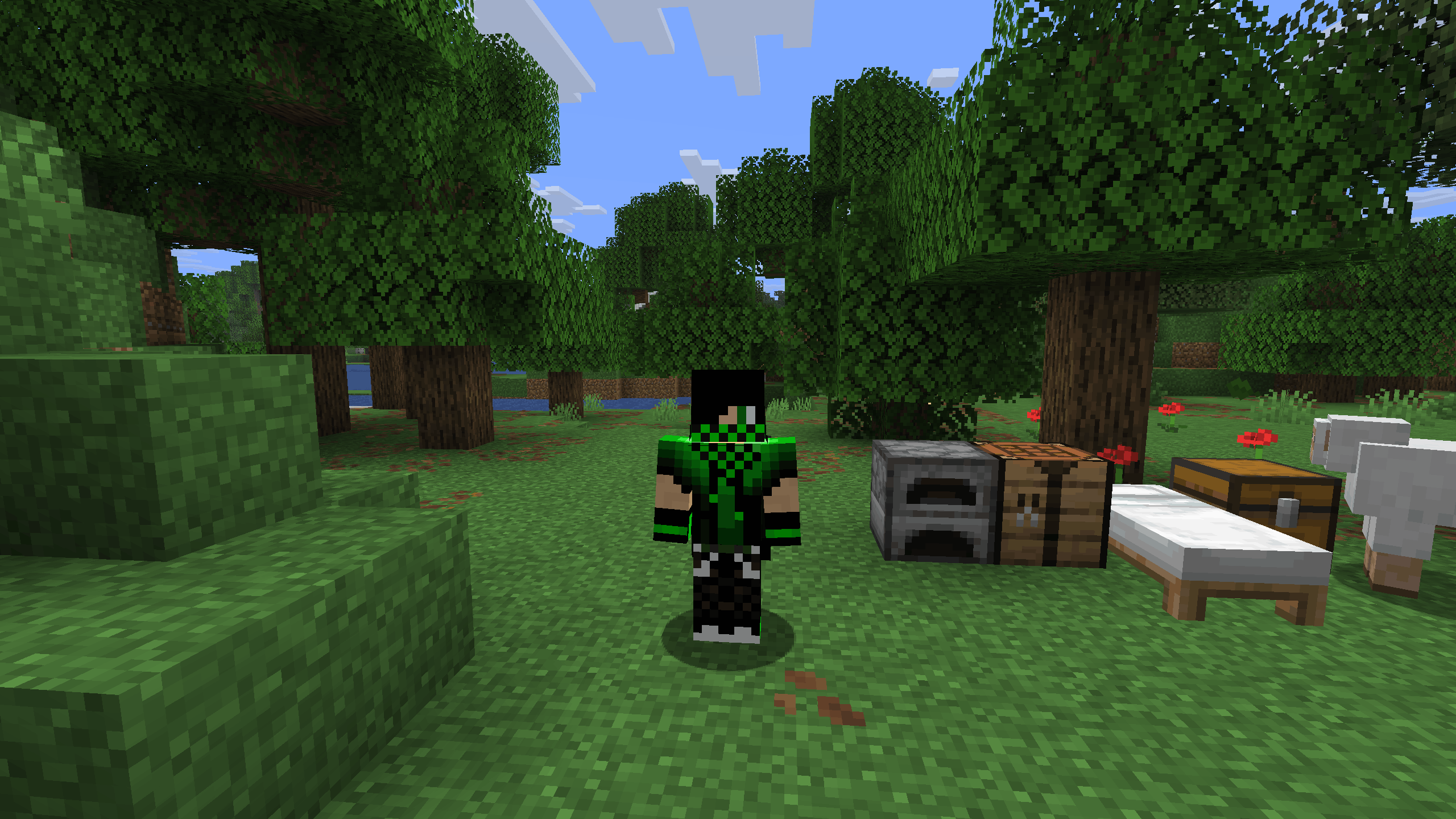
Craft a bed immediately
-
Set spawn point
-
Collect wood & food
-
Clear a small area near your base
-
Light surroundings to prevent mobs
Forests are safest when managed properly.
Forest Biome vs Not Finding One
If you can’t find a forest quickly:
-
Plains Biome are a good backup
-
Savannas also provide wood
-
Jungles work but are harder early game
However, forests remain the most balanced option.
Final Thoughts
Finding a Forest biome in Minecraft doesn’t have to be frustrating. Whether you prefer pure survival exploration or smart tools like Chunkbase and commands, there’s always a reliable way to locate one.
Forests are popular for a reason:
-
Easy resources
-
Beginner-friendly
-
Long-term survival potential
If you want a smooth start and a flexible base location, finding a Forest biome is worth the effort.