Starting Minecraft for the first time can feel overwhelming. You’re dropped into a huge world with no instructions, no tools, and a day–night cycle that doesn’t wait for you to learn. This beginner’s guide explains how Minecraft works, what to do first, and how to survive your early days without confusion or frustration.
If you’re new to the game, this beginner’s guide will walk you through everything you need to know to get started.
Getting Started with Minecraft
Minecraft is available on multiple platforms, including PC, PlayStation, Xbox, Nintendo Switch, and mobile devices.
After purchasing the game:
-
Download and install Minecraft.
-
Log in with your account.
-
Choose your preferred game edition (Java or Bedrock).
The setup process is quick and simple, even for first-time players.
Choosing Your Game Mode
When launching a new world, you’ll be asked to select a game mode. Minecraft offers four main modes:
1. Survival Mode
This is the classic Minecraft experience.
You must gather resources, craft tools, build shelters, and protect yourself from hostile mobs. Hunger, health, and nighttime danger all play an important role.
Most new players struggle early because they explore too far without food or shelter, which often leads to dying on the first night.
2. Creative Mode
In Creative Mode, you have unlimited resources, the ability to fly, and no health or hunger bar.
This mode is ideal for players who want to build large structures, experiment with designs, or learn the game without survival challenges.
3. Adventure Mode
Adventure Mode is designed for maps and custom worlds created by other players.
You can explore and interact with the world, but you can only break blocks with the correct tools. This prevents map griefing and maintains gameplay integrity.
4. Spectator Mode
In Spectator Mode, you can fly freely through blocks and observe the world without interacting.
Players often use this mode to explore terrain, record content, or watch others play.
Learning the Controls
Minecraft controls vary depending on the platform, but the basics stay consistent across all editions.
PC Controls
-
Move: W, A, S, D
-
Jump: Spacebar
-
Attack/Break Block: Left Mouse Button
-
Place/Use Item: Right Mouse Button
-
Inventory: E
-
Sprint: Hold Left Control
Console Controls
(PlayStation / Xbox)
-
Movement: Left Joystick
-
Jump: X / A
-
Attack/Break: R2 / RT
-
Use Item: L2 / LT
-
Inventory: Triangle / Y
-
Sprint: Click Left Stick
Mobile Controls
-
Virtual joystick for movement
-
On-screen buttons for jump, attack, inventory, and actions
The controls are simple and become natural with a little practice.
Exploring the Minecraft World
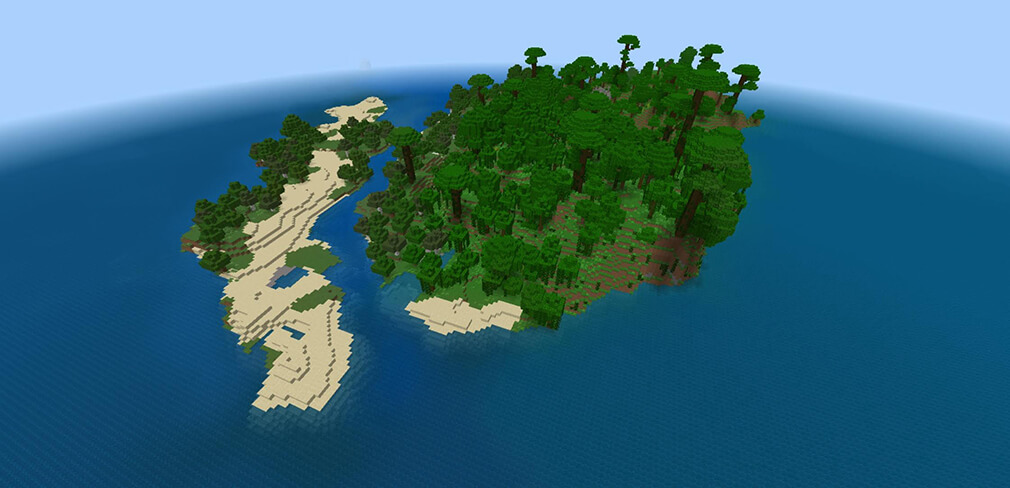
Minecraft worlds are infinite and randomly generated. As you explore, you’ll encounter unique biomes, such as:
-
Forests
-
Deserts
-
Jungles
-
Mountains
-
Oceans
-
Snowy tundras
Each biome has its own resources, animals, weather, and terrain.
You’ll also discover caves, villages, temples, shipwrecks, and many hidden structures filled with loot.
Exploration is one of Minecraft’s most exciting aspects — every world feels different.
Building and Crafting
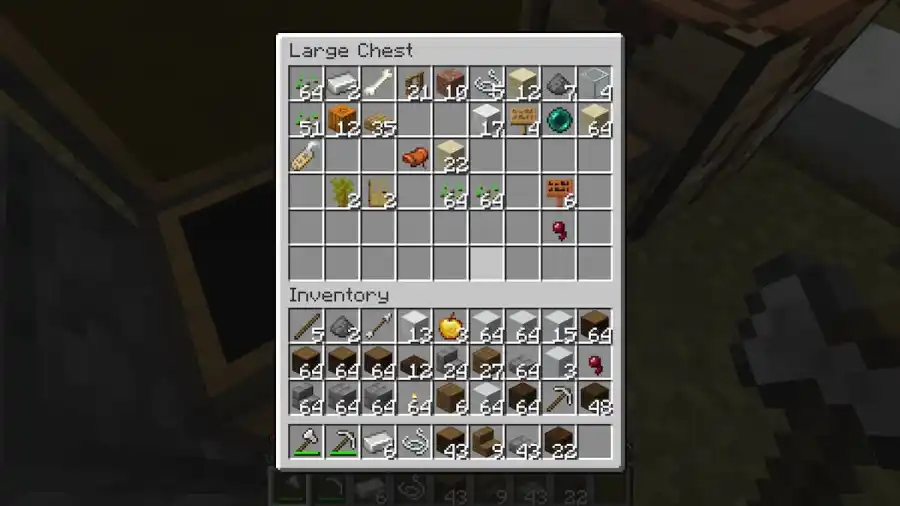
Crafting is at the core of Minecraft.
Using the crafting grid, you combine raw materials like wood, stone, and iron to create tools, weapons, armor, and building blocks.
Basic Crafting Examples
-
Wooden Pickaxe = Sticks + Wooden Planks
-
Furnace = 8 Cobblestone
-
Torch = Stick + Coal
As you progress, you’ll unlock more advanced recipes.
Building Structures
Players typically start with simple shelters, then expand to:
-
Houses
-
Farms
-
Storage rooms
-
Castles
-
Redstone machines
Minecraft allows complete creative freedom — if you can imagine it, you can build it.
Playing Minecraft with Others
Minecraft supports multiplayer, allowing you to play with friends or join servers worldwide.
Ways to Play Multiplayer
-
LAN worlds
-
Realms (hosted worlds)
-
Public servers
-
Private servers
Multiplayer adds new gameplay experiences, from cooperative building to competitive minigames and large community worlds.
Tips and Tricks for Beginners
Here are some helpful tips to make your early game easier:
1. Build Shelter Before Nightfall
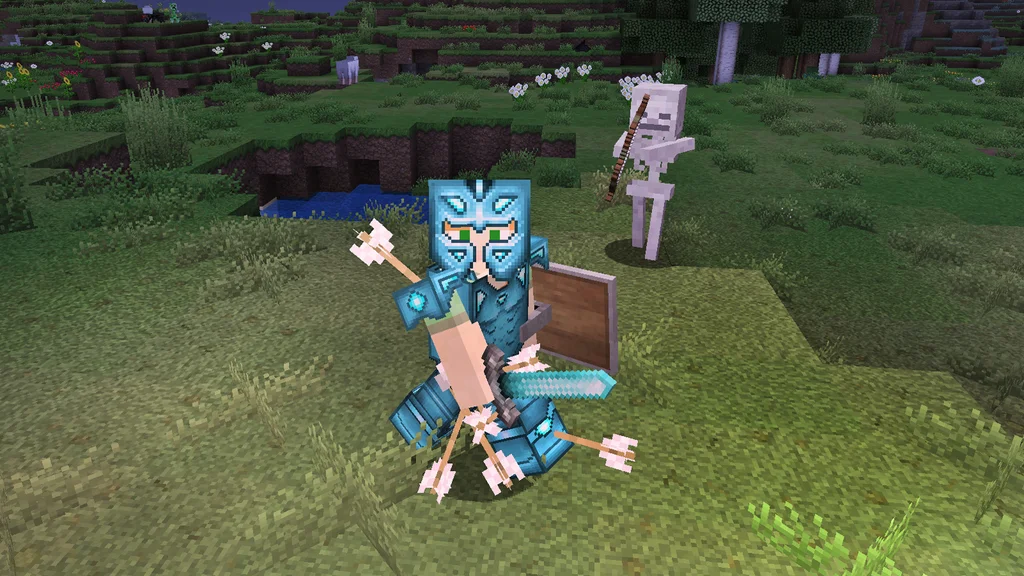
Hostile mobs (like zombies and skeletons) spawn at night.
A small wooden hut is enough to keep you safe.
2. Collect Essential Resources Early
Gather:
-
Wood
-
Stone
-
Coal
-
Food
These basics allow you to craft tools and survive your first few days.
3. Light Up Your Base
Torches prevent monsters from spawning nearby.
4. Explore Safely
Carry food, torches, and a spare pickaxe when exploring caves.
5. Play with Friends
Multiplayer can make learning easier and more enjoyable.
Conclusion
Minecraft is a unique blend of exploration, creativity, and survival. Whether you’re building massive structures, discovering new biomes, or playing with friends, the game offers endless possibilities for every type of player.
Everyone learns Minecraft at their own pace — there’s no “wrong” way to play as long as you’re having fun.
With this beginner’s guide, you now have everything you need to start your journey.
Jump in, explore your world, and enjoy the adventure!