When players hear about Minecraft mods, they often imagine crazy new mobs, advanced tools, or completely different gameplay. Mods can transform Minecraft in powerful ways, but for beginners, the idea of modding can feel confusing or even risky.
Many new players ask the same questions. What are mods? Are they safe? Do they work in survival? And should beginners even use them?
This guide explains what Minecraft mods are, how they work, and how beginners can understand modding without breaking their game or risking their account.
What Are Mods in Minecraft?
Mods are community-created modifications that change how Minecraft works. They can add new features, adjust gameplay mechanics, or improve performance and visuals.
Unlike official updates, mods are made by players, not Mojang. This means mods can vary in quality, complexity, and purpose.
Some mods make small changes, while others completely transform the game. Understanding this difference is important before using any mods.
Why Do Players Use Mods?
Minecraft is already a complete game, but mods allow players to customize their experience.
Players use mods to:
-
Add new gameplay features
-
Improve performance
-
Enhance visuals
-
Reduce repetitive tasks
-
Experiment with new mechanics
Mods give players more control over how Minecraft feels and plays.
Mods vs Vanilla Minecraft
Vanilla Minecraft refers to the original, unmodified version of the game. This is how most players start, and it’s the safest way to learn core mechanics.
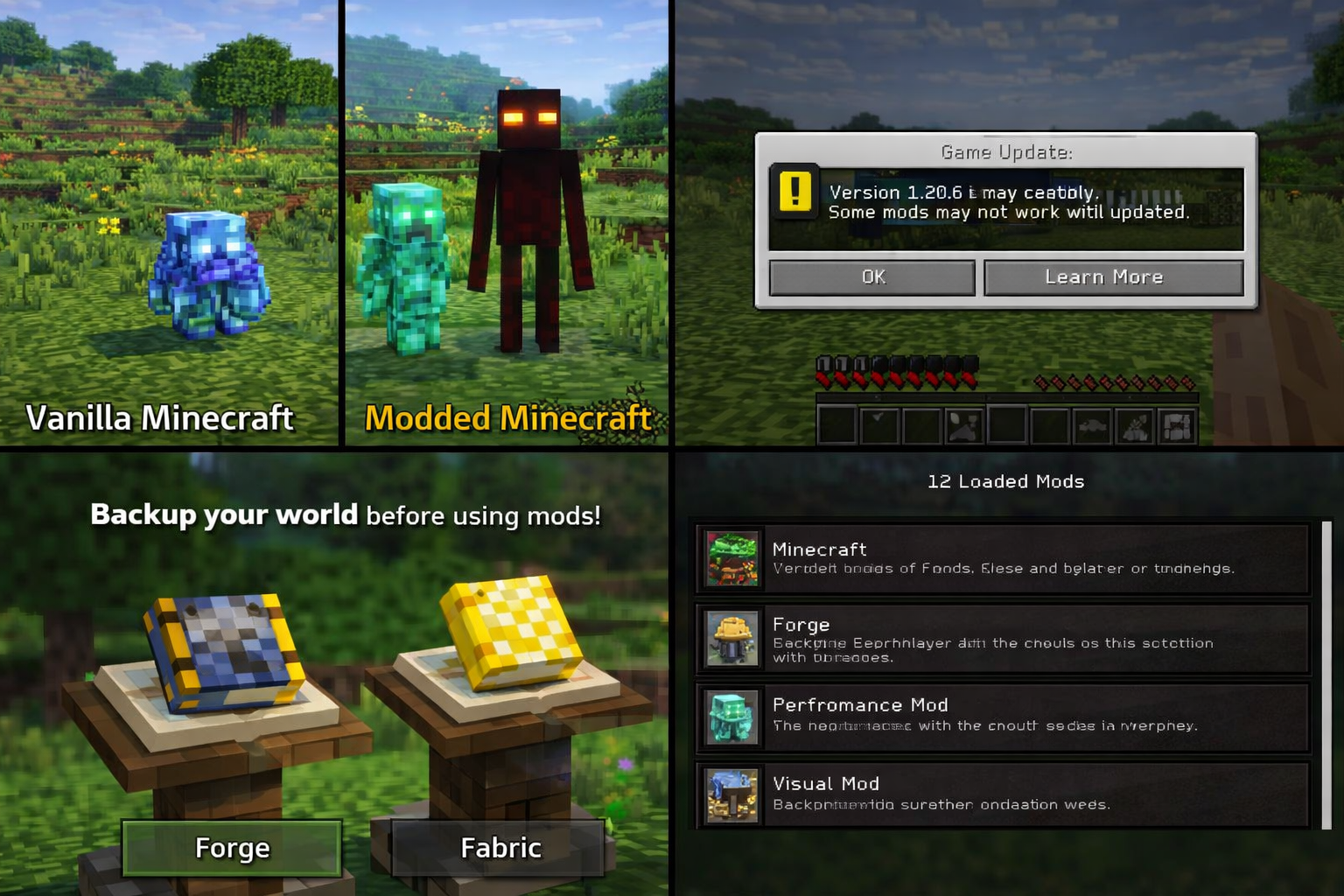
Mods change vanilla gameplay in different ways. Some keep the Survival experience intact, while others push the game into entirely new directions.
For beginners, it’s recommended to understand vanilla Minecraft first before experimenting with mods. This makes it easier to recognize what mods actually change.
Are Minecraft Mods Safe?
Mods can be safe, but only if used carefully. Because mods are created by the community, safety depends on where they come from and how they are installed.
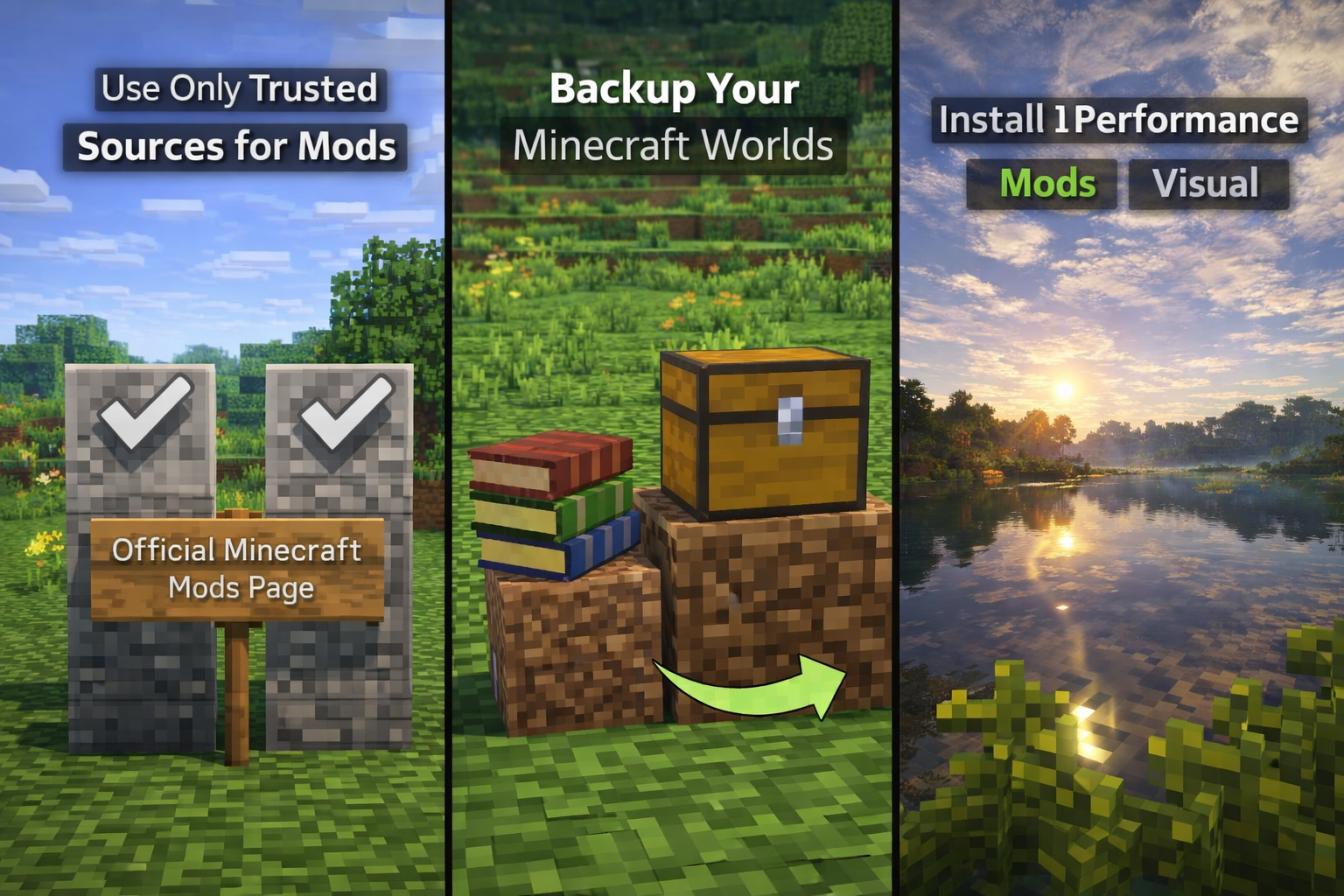
Safe modding practices include:
-
Using trusted sources
-
Avoiding unknown files
-
Keeping backups of your worlds
Mods themselves are not dangerous, but careless modding can cause crashes, bugs, or corrupted worlds.
Single-Player vs Multiplayer Mods
Most mods are designed for single-player or private worlds. Multiplayer servers often restrict mods to keep gameplay fair.
Using mods on servers without permission can lead to bans. Always check server rules before using any mods in multiplayer.
Single-player modding is the safest place for beginners to experiment and learn.
How Mods Affect Survival Gameplay
Mods can change survival in small or major ways depending on what they modify.
Some mods focus on:
-
Quality of life improvements
-
Inventory management
-
Better UI
-
Performance optimization
Others introduce new systems that increase difficulty or add progression layers. Beginners should start with mods that improve comfort rather than completely changing gameplay.
Performance and Visual Mods
Not all mods add new content. Some mods exist to improve how Minecraft runs.
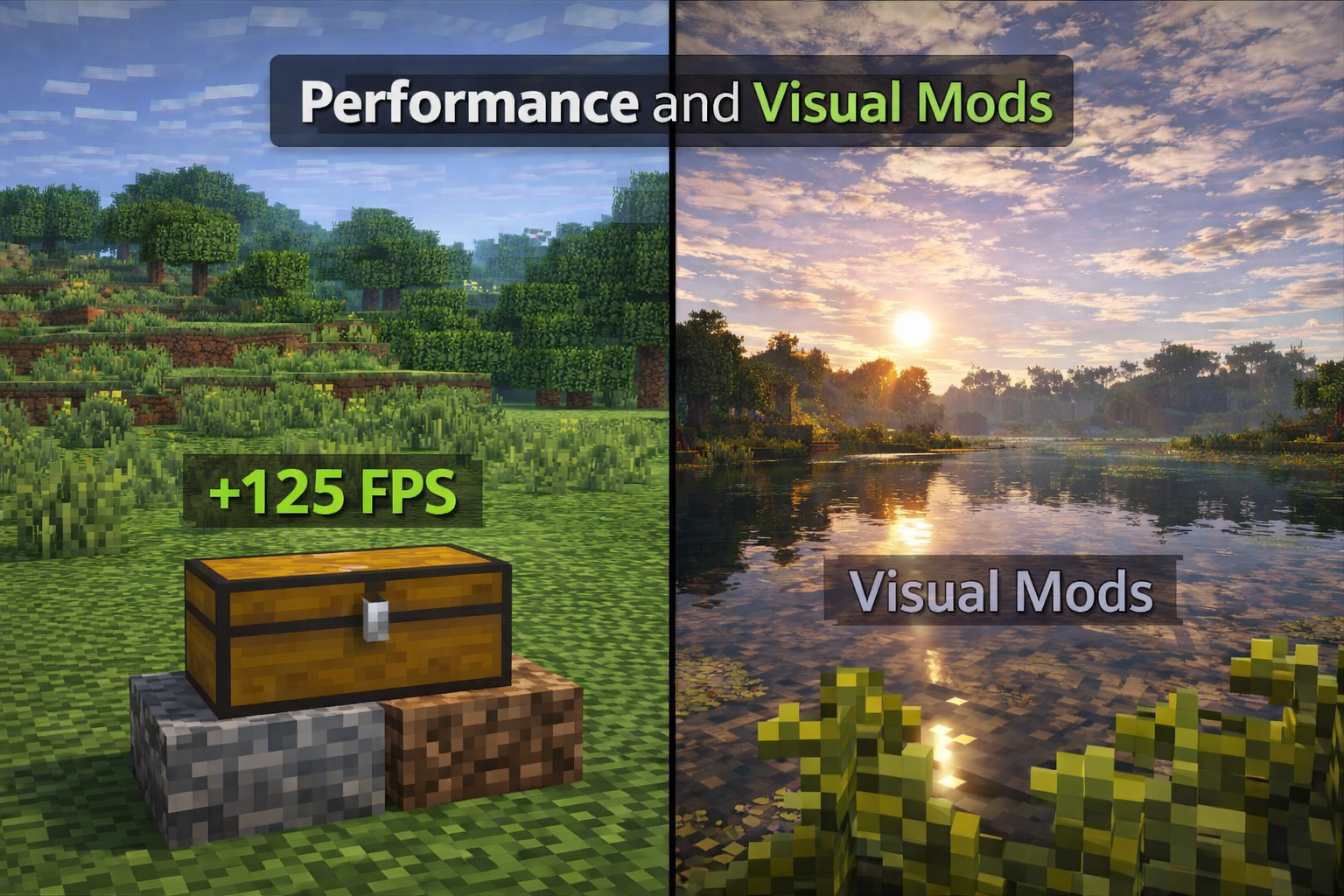
Performance mods can:
-
Increase FPS
-
Reduce lag
-
Improve loading times
Visual mods may enhance lighting, textures, or animations. These mods do not change gameplay but can make the game feel smoother and more modern.
These are often the safest mods for beginners.
Mod Loaders Explained Simply
Mods usually require a mod loader to work. A mod loader is a tool that allows Minecraft to recognize and run mods.
Common mod loaders manage compatibility between mods and Minecraft versions. Beginners don’t need to understand the technical details, only that mods must match the correct version of the game.
Using incompatible mods is one of the most common reasons for crashes.
Common Beginner Mistakes with Mods
Many players run into problems when starting with mods because of simple mistakes.
Common mistakes include:
-
Installing too many mods at once
-
Mixing incompatible versions
-
Forgetting to back up worlds
-
Expecting mods to work like vanilla
Starting slow and testing mods one at a time helps avoid frustration.
Do Mods Disable Achievements?
In some versions of Minecraft, using mods may disable achievements or advancements. This depends on the platform and how the mods are installed.
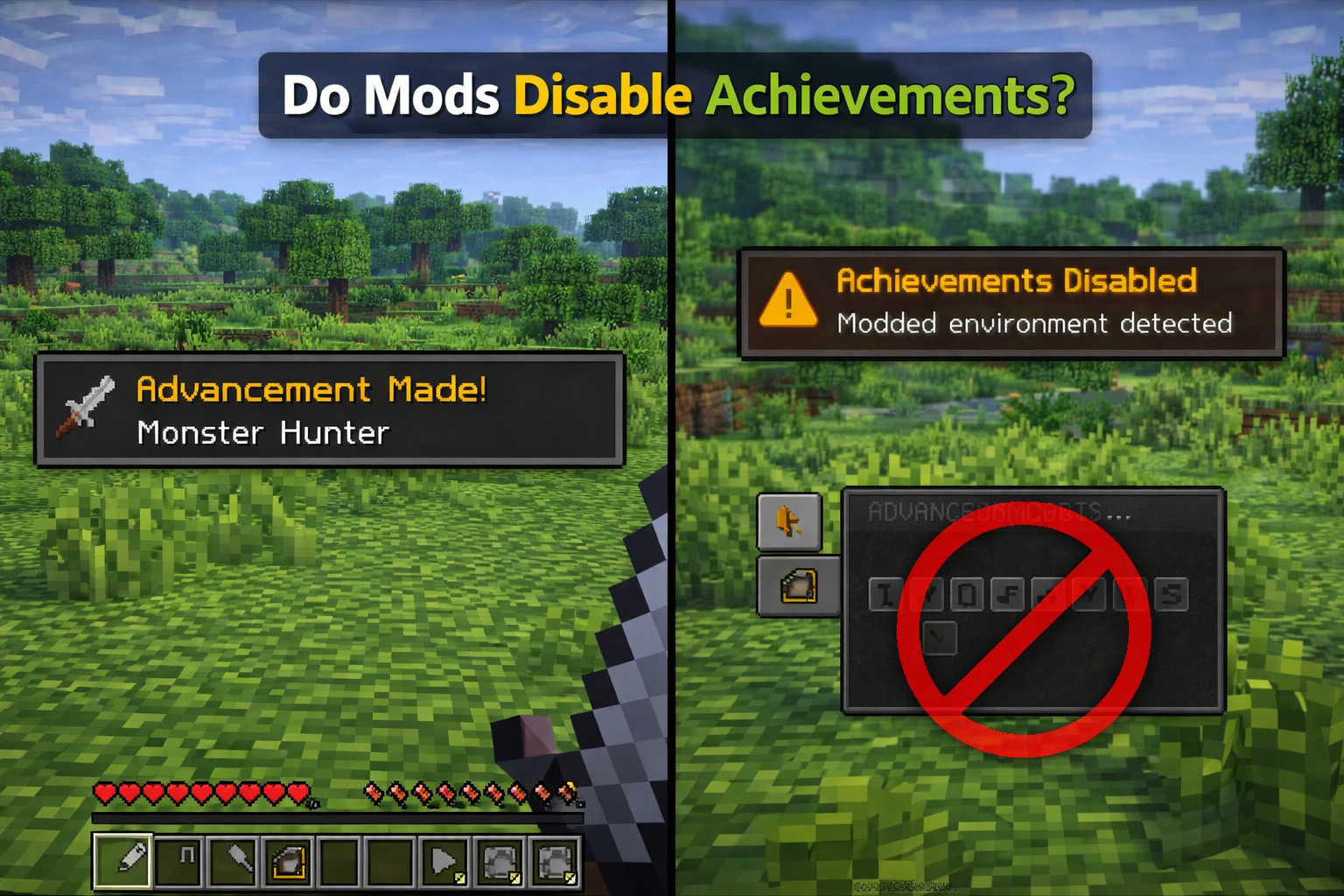
Players who care about achievements should check mod behavior before installing them. This is another reason beginners may want to play vanilla first.
Mods and Updates
Minecraft updates frequently, and mods do not always update immediately. After a new game update, mods may stop working until they are updated by their creators.
This is normal in the modding community. Players who use mods often delay updating their game until mod compatibility is confirmed.
Understanding this helps manage expectations.
Should Beginners Use Mods?
Mods are not required to enjoy Minecraft. Many players play for years without using any mods at all.
For beginners, mods should be optional and educational rather than overwhelming. Learning the base game first makes modding more enjoyable and less confusing later.
Once comfortable with survival mechanics, mods can add fresh experiences and new challenges.
Why Mods Are Popular in the Minecraft Community
Mods have been part of Minecraft’s history for years. They allow creativity beyond what the base game offers and help keep the game fresh.
Many features seen in official updates were inspired by mods. This shows how important the modding community is to Minecraft’s growth.
Mods represent experimentation, creativity, and player freedom.
Final Thoughts
Minecraft mods are powerful tools that let players customize their experience. While they can enhance gameplay, they should be approached carefully, especially by beginners.
Understanding what mods are, how they work, and how to use them safely is more important than installing many at once.
If you enjoy vanilla Minecraft, mods are optional. If you want to explore new possibilities, mods can open an entirely new side of the game.
The key is to learn first, experiment slowly, and always play safely.