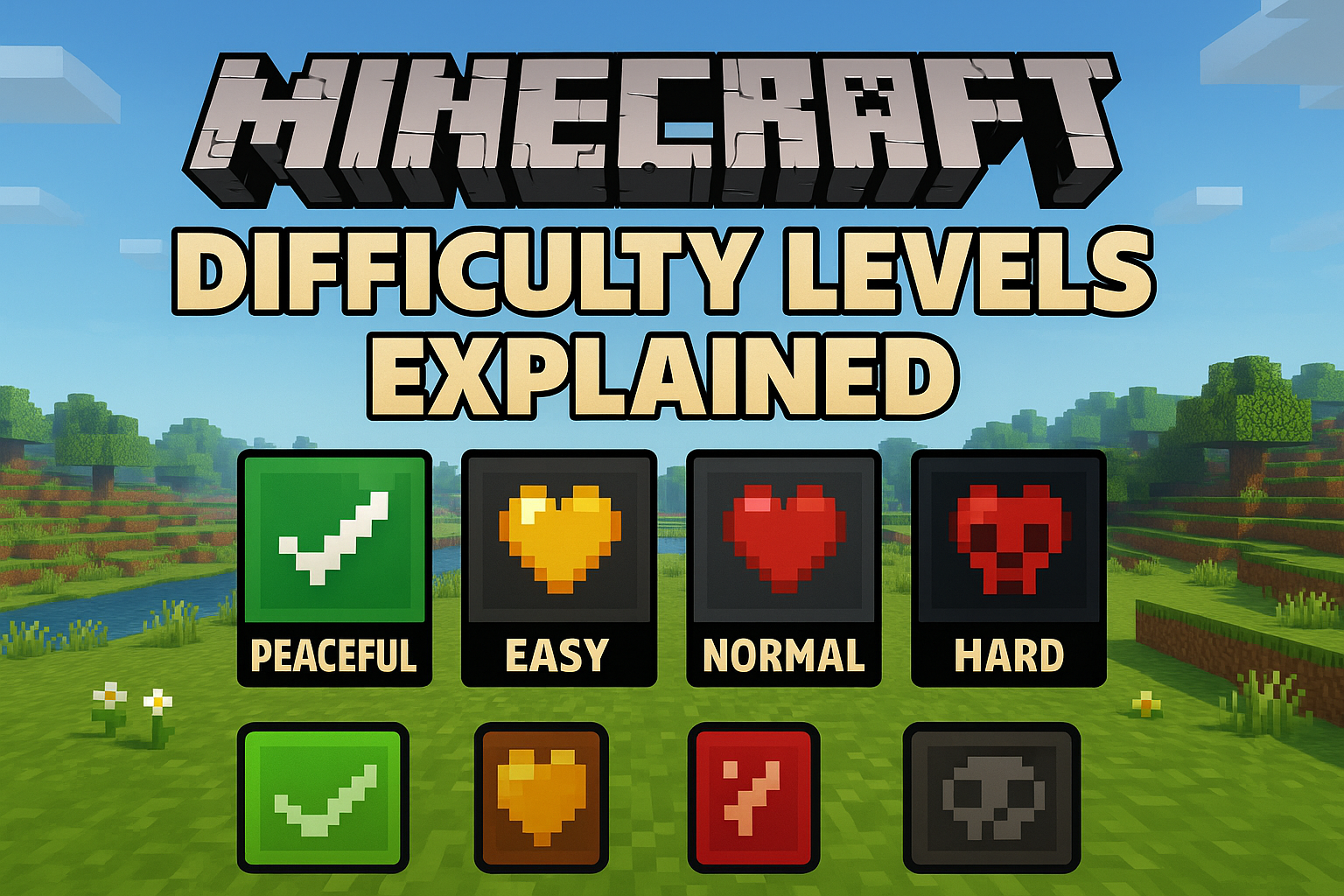
Difficulty levels in Minecraft control how dangerous the world is. They affect things like mob behavior, hunger, damage, and how fast dangers increase.
Choosing the right difficulty can make your world relaxing, balanced, or extremely challenging.
Minecraft has four main difficulty levels:
-
Peaceful
-
Easy
-
Normal
-
Hard
Each one changes the game in its own way.
Peaceful Difficulty
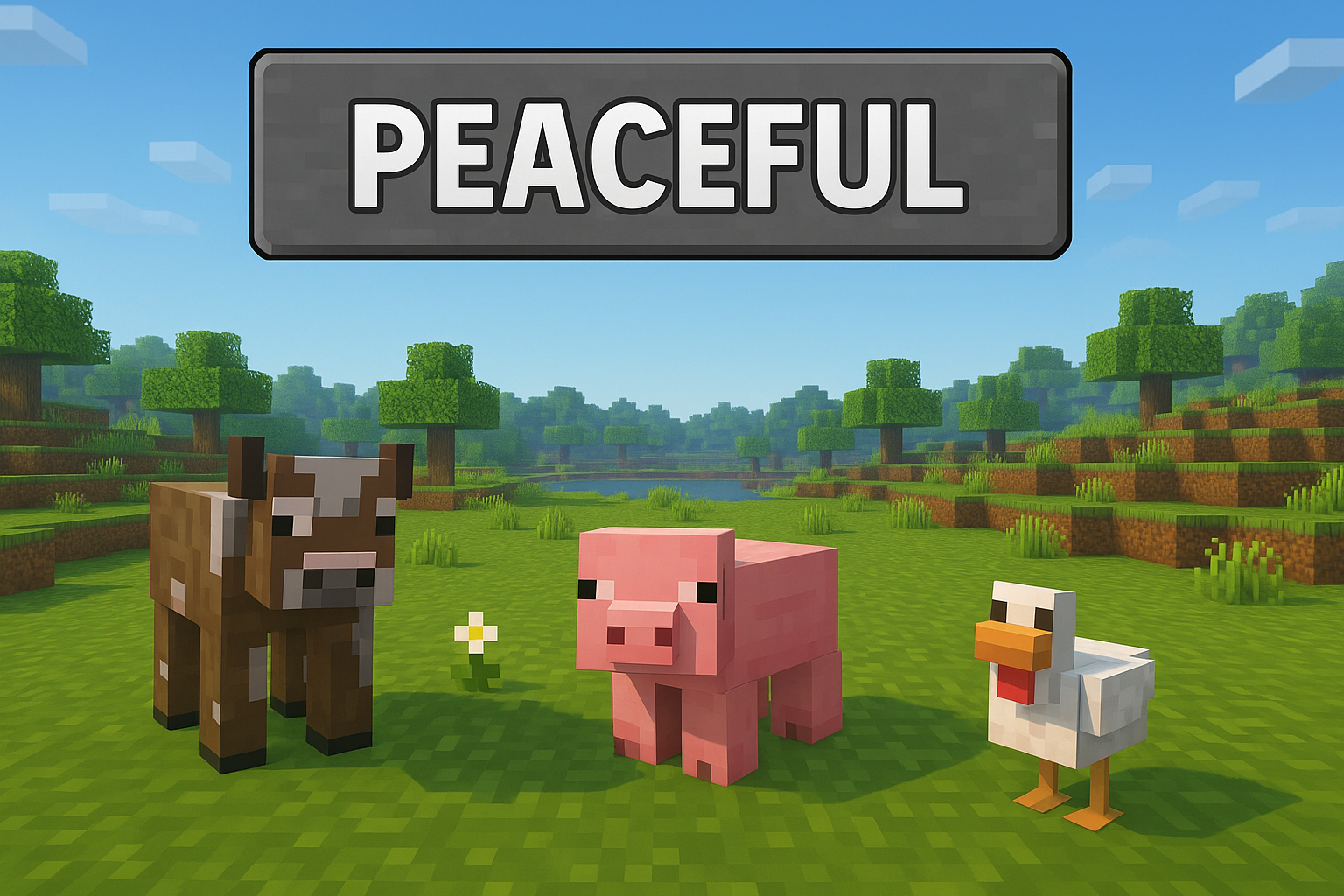
Peaceful is the best difficulty for beginners or players who want a calm experience without any danger.
Key Features of Peaceful
-
Hostile mobs do not spawn
-
Hunger stays full
-
You regenerate health very quickly
-
Perfect for building and exploring
Who Should Play Peaceful?
✔ New players
✔ Kids
✔ Builders
✔ Players who dislike combat
Peaceful makes Minecraft relaxing and stress-free.
Easy Difficulty
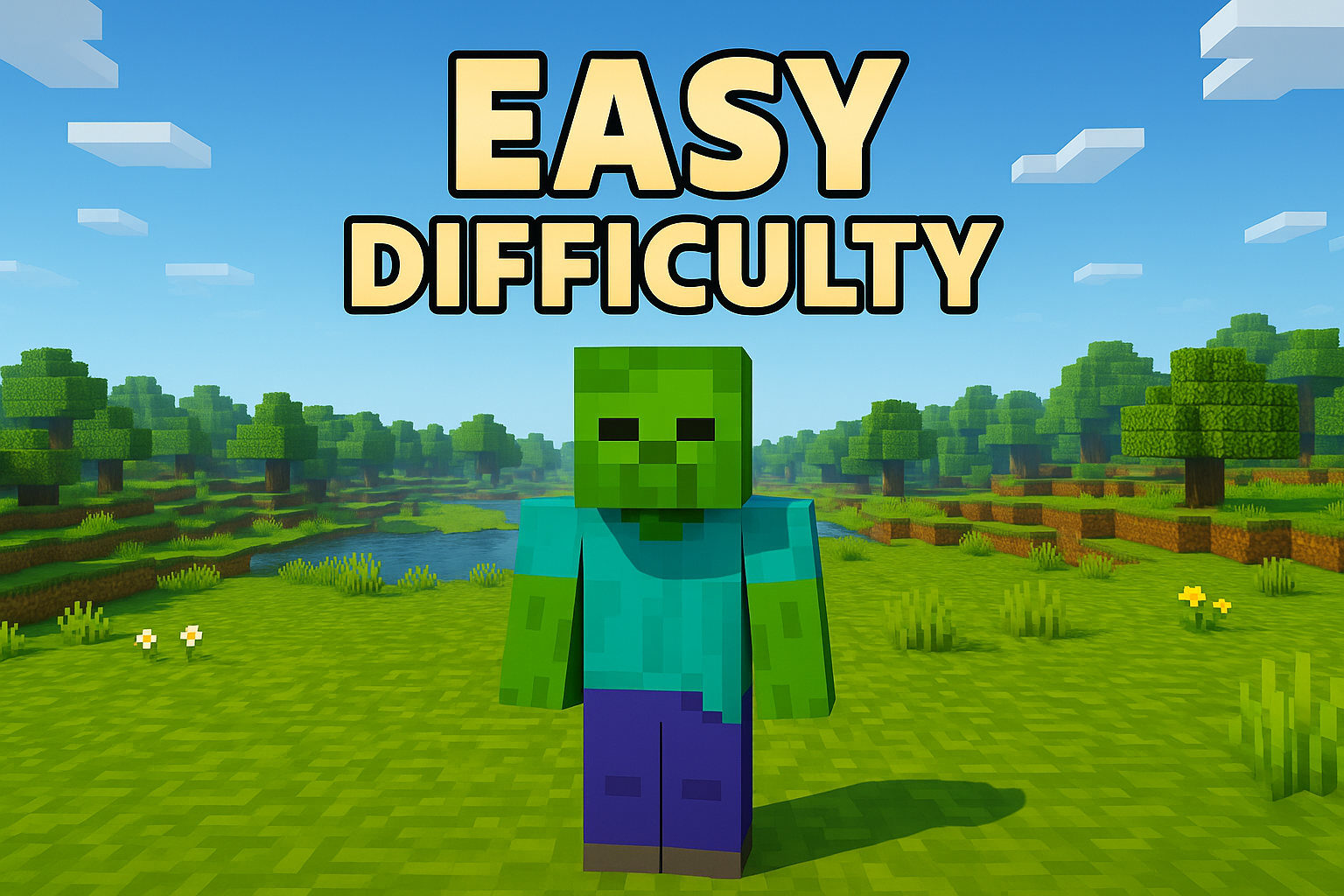
Easy adds a small challenge while keeping the game beginner-friendly.
Key Features of Easy
-
Hostile mobs spawn, but deal reduced damage
-
Hunger drains slowly
-
You cannot starve to death
-
Combat is forgiving
Who Should Play Easy?
✔ New players learning survival
✔ Players who want light combat
✔ Anyone who wants a safe but active survival world
Easy is a gentle introduction to real survival mechanics.
Normal Difficulty
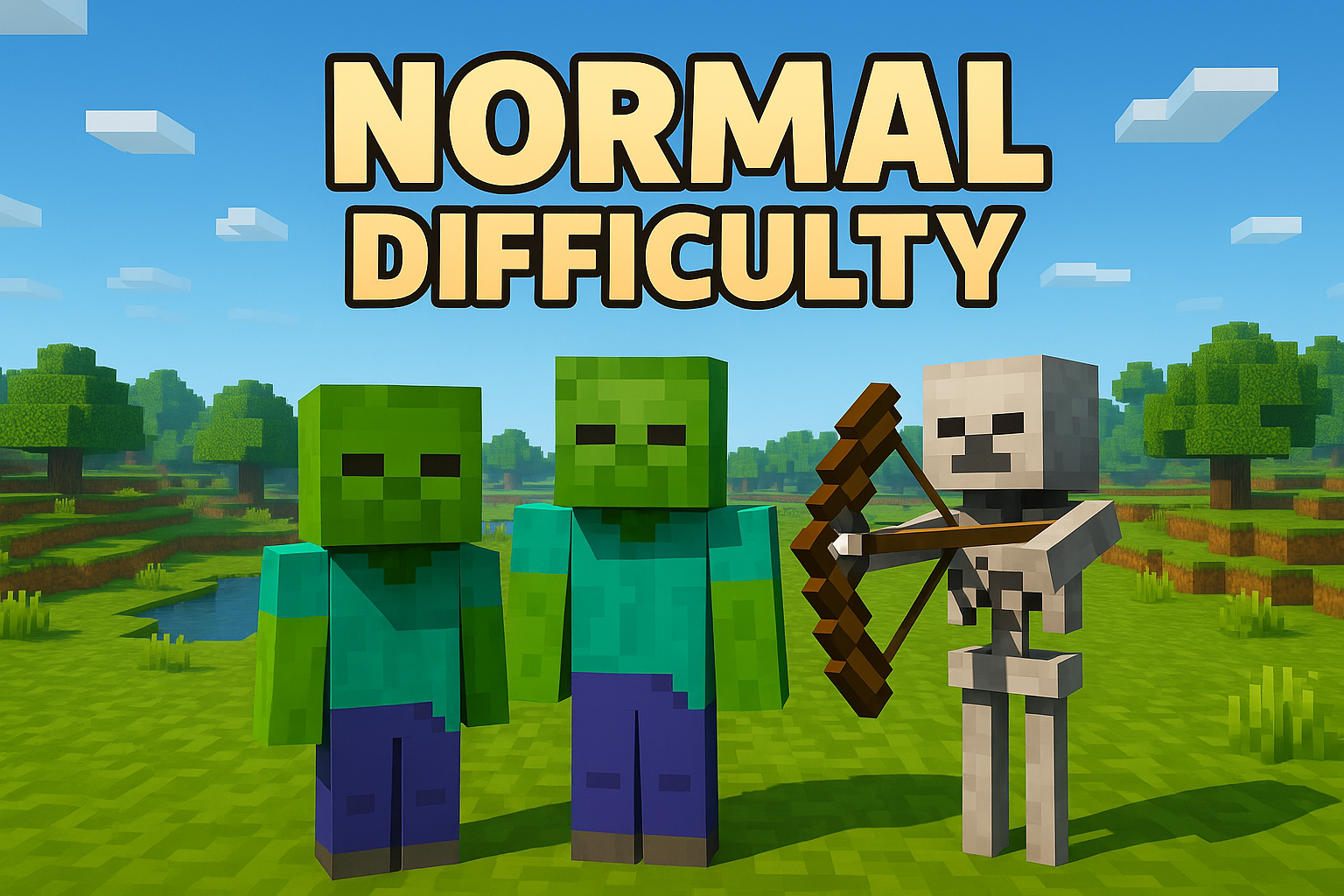
Normal is the standard setting most players use.
Key Features of Normal
-
Mobs deal normal damage
-
Hunger can drain to half a heart
-
Combat requires attention
-
Balanced for most playstyles
Who Should Play Normal?
✔ Players familiar with survival
✔ Those who want balanced difficulty
✔ Anyone who likes exploration and combat
Normal gives a fair challenge without being overwhelming.
Hard Difficulty
Hard difficulty increases danger and rewards careful planning.
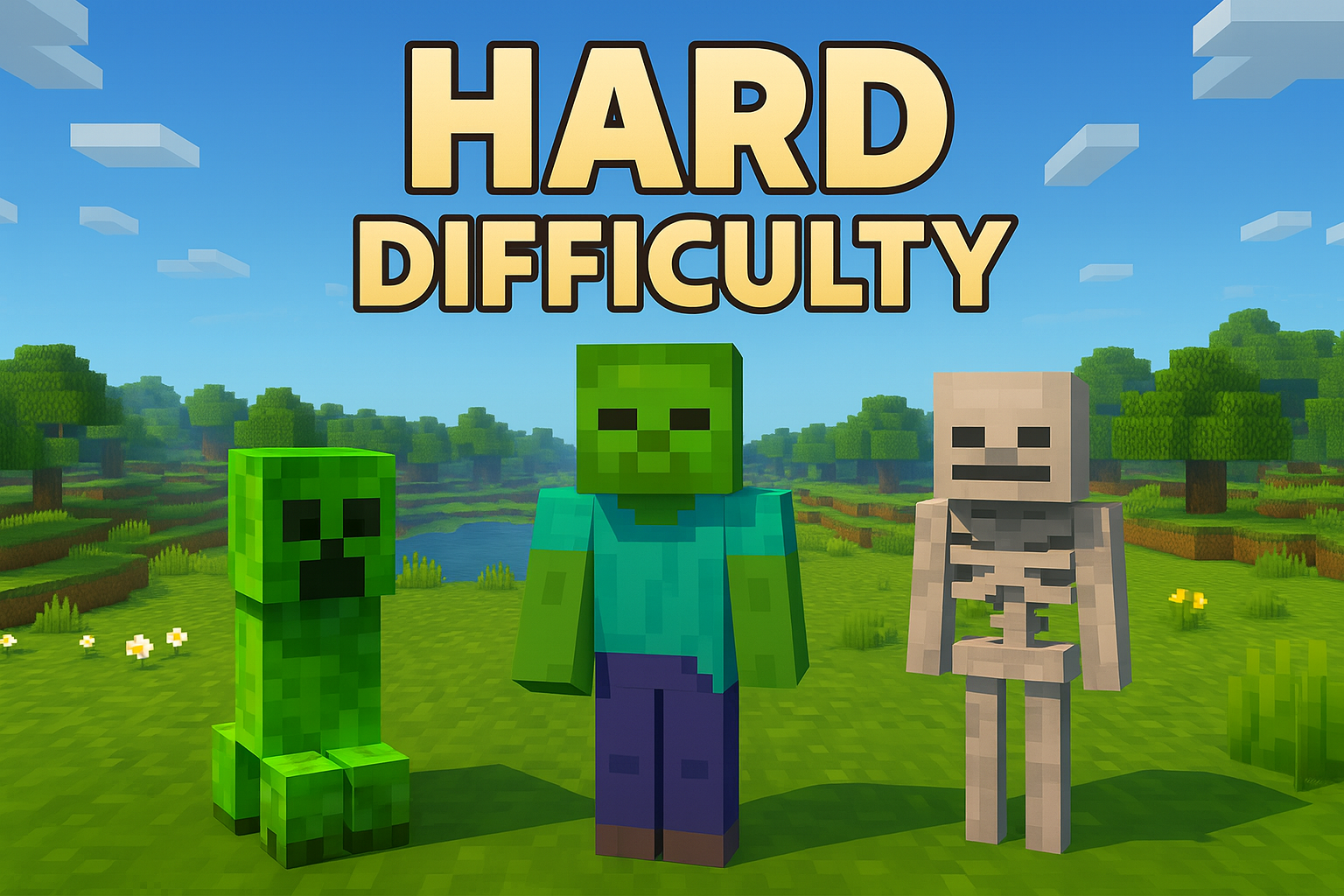
Key Features of Hard
-
Mobs deal more damage
-
Hunger can kill you
-
Zombies break doors
-
Mob spawn rates are slightly higher
Who Should Play Hard?
✔ Experienced players
✔ Survival experts
✔ Players who enjoy danger and strategy
Hard is challenging but not extreme — unless paired with Hardcore mode.
Hardcore Mode (Connected to Hard Difficulty)
Hardcore uses the same rules as Hard, but with one major difference:
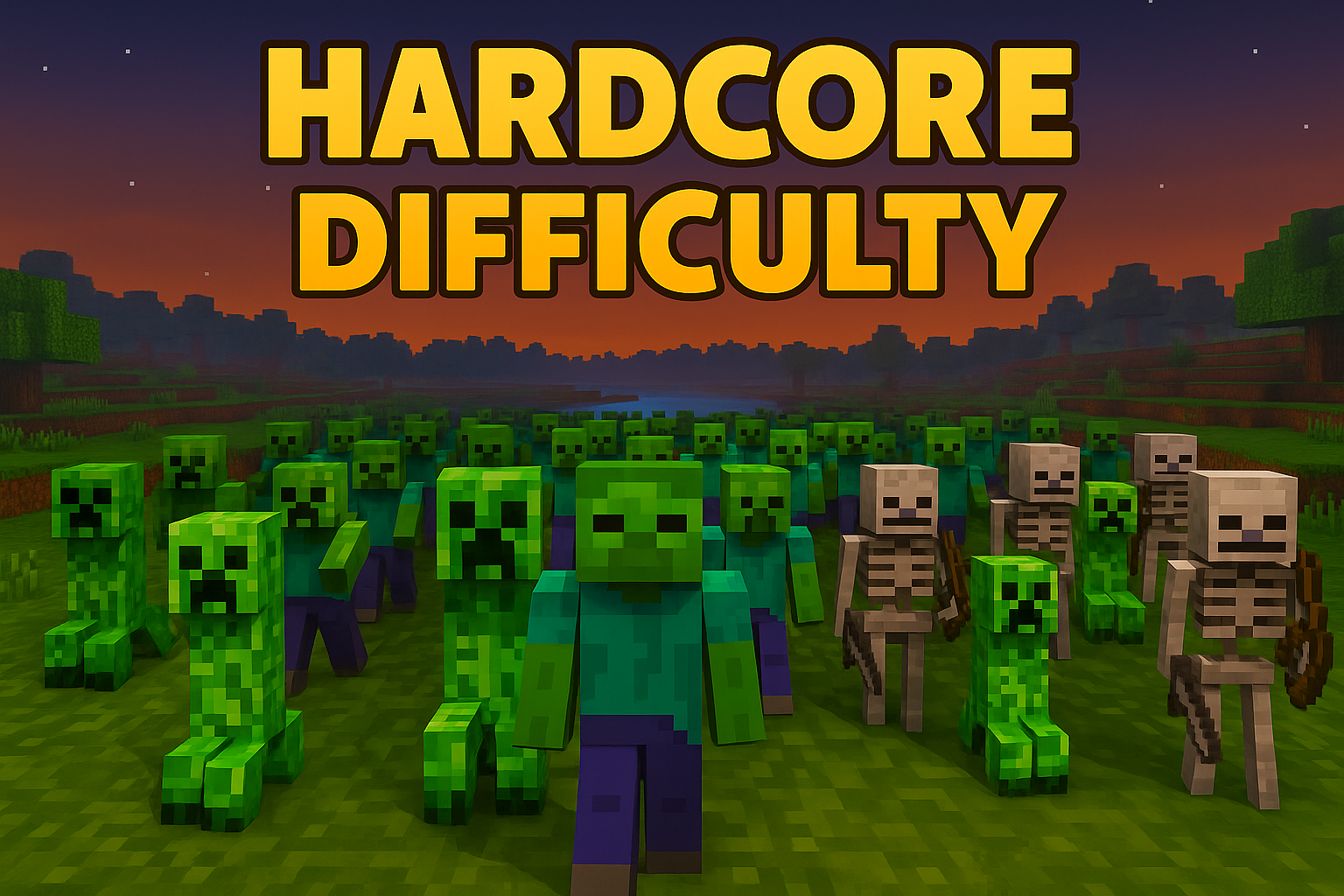
You only get one life.
If you die, the world is gone forever.
Hardcore is for players who want the ultimate survival challenge.
How to Change Your Difficulty in Minecraft
You can change difficulty anytime (except in Hardcore).
Java Edition
-
Pause the game
-
Click Options
-
Choose Difficulty
-
Select Peaceful, Easy, Normal, or Hard
Bedrock Edition
-
Open Settings
-
Go to Game
-
Find Difficulty
-
Choose your level
Using Commands (Java & Bedrock)
Which Difficulty Should You Play On?
Choosing the right difficulty depends on your experience.
Peaceful
For players who want a relaxing, danger-free world.
Easy
For beginners learning survival without high risks.
Normal
For most players — balanced and enjoyable.
Hard
For experienced survival players who enjoy challenges.
Hardcore
For experts only — one life, high danger, no mistakes.
Conclusion
Minecraft’s difficulty settings let you shape the game into the experience you want. Whether you prefer calm exploration, steady survival, or intense combat, there’s a difficulty level that fits your style. Start where you feel comfortable, and move up as your skills grow.